
CASE STUDYA PlinkPlay exclusive
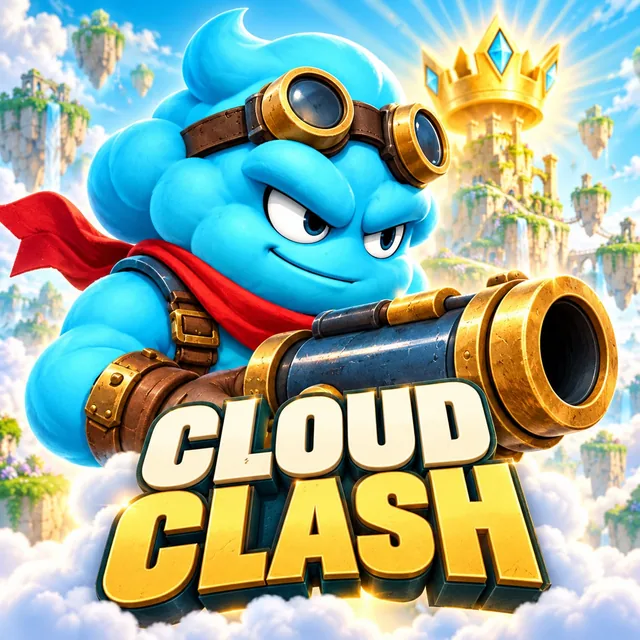
Meet Cloud Clash
A discovery case for reaching real players.
Join them on PlinkPlay. Reach new players and shape your game’s next chapter.
Promotional artwork
YOUR CHANNEL TO REAL PLAYERS
Put your game in front of people looking for their next favorite. PlinkPlay helps you get discovered, reach beyond your existing audience and give more players a reason to play.
One portal to publish your game and follow its reach.
A discovery case for reaching real players.
Join them on PlinkPlay. Reach new players and shape your game’s next chapter.
Promotional artwork
MAKE ROOM FOR YOUR NEXT WAVE OF PLAYERS
Your next players may not know your game yet. Give them a place to discover it, see what makes it different and choose to play.
Put your game where people are exploring what to play next. Make your listing another opportunity to reach a new player.
Use artwork, gameplay media and a clear path to your game to help interested players take the next step.
Give players a game presence they can return to. Follow discovery and store-click activity as you work to expand your reach.
FROM YOUR GAME TO YOUR NEXT PLAYERS
Create a developer account and add your game details, media and supported build files.
Submit for review and follow its status in the portal. Once approved, your game can become part of the discovery experience.
Give new players a way to find your game. Follow available engagement and store-click signals as you build your reach.
YOUR DEVELOPER PORTAL
Manage your listing and publishing workflow, then follow how players discover and engage with your game. Feedback is an additional service when you want to learn more.
Open portalKeep your game details, media and supported builds together. Manage submissions and make your next discovery count.
Explore available views, play activity and store clicks. Understand how players are finding your game and where interest is building.
Player reviews and feedback are supporting tools. Use them to inform your next iteration alongside your discovery and engagement activity.
Capabilities shown, not live account data.
Choose Upload your game to create your developer account or continue your session. After any required onboarding, you’ll reach the new-game submission form. The portal explains the supported paths and files.
Use Open portal or Sign in to portal. Your existing session is restored when available, and your account’s access determines the workspace you can open.
The portal brings together available views, play activity and store-click signals. Reviews and feedback are additional tools when you want to learn more from players.
GIVE YOUR GAME ROOM TO GROW
Give them a way to discover your game.